networking
Security Group
Learn how security groups provide dynamic, rule-based access controls for your cloud instances, ensuring robust security for your applications
Security-groups can be used to allow egress or ingress traffic. By default security-groups have a DROP policy and only traffic permitted is allowed to flow through the VM.
Statefulness of Security Groups
Security groups in Excloud are stateful. That means when you create an Egress rule all connections are automatically tracked. This simplifies rule management and ensures proper functioning of applications that need bidirectional communication.
Supported Protocols
- IPv4
- IPv6
- TCPv4
- TCPv6
- UDPv4
- UDPv6
Examples
Console
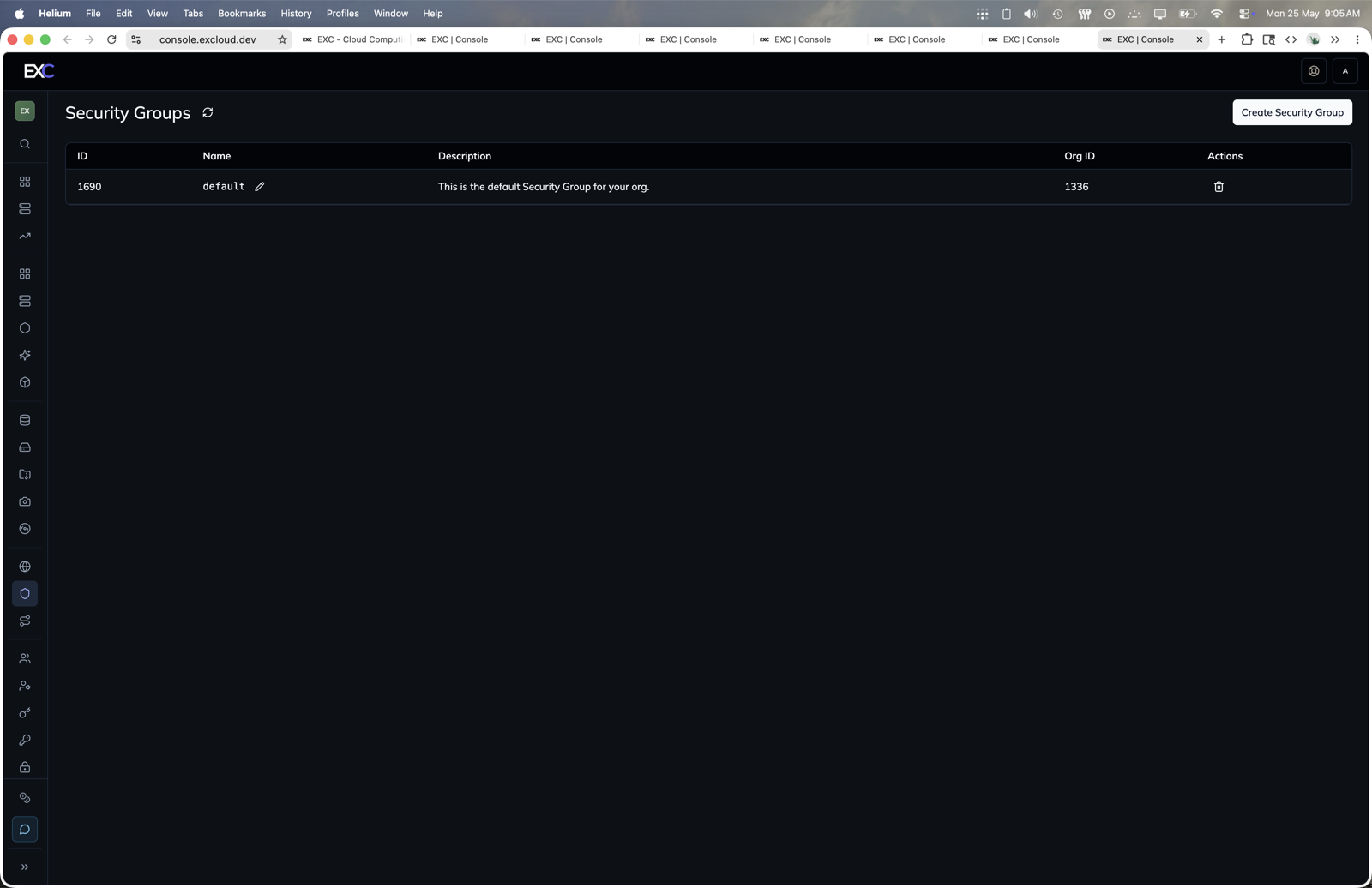
- Open console.excloud.dev/console/security-groups.
- Click Create Security Group.
- Use the security group details or row actions to add ingress and egress rules.
Create a Security Group with Rules
-
Create a Security Group
exc securitygroup create --name my-security-group --description "Allow ingress and egress" -
Create Ingress Rules to Allow HTTP, SSH
exc securitygroup rule ingress create --cidr 0.0.0.0/0 --protocol TCPv4 --port_range 8080-8081,22 --security_group_id $(exc securitygroup list | awk '/my-security-group/{print $1}') exc securitygroup rule ingress create --cidr ::/0 --protocol TCPv6 --port_range 8080-8081,22 --security_group_id $(exc securitygroup list | awk '/my-security-group/{print $1}') -
Create Egress Rules to Allow All Traffic
exc securitygroup rule egress create --cidr 0.0.0.0/0 --protocol IPv4 --port_range ANY --security_group_id $(exc securitygroup list | awk '/my-security-group/{print $1}')
exc securitygroup rule egress create --cidr ::/0 --protocol IPv6 --port_range ANY --security_group_id $(exc securitygroup list | awk '/my-security-group/{print $1}')